
Made for every kind of event

One Festery.
Every kind of event.

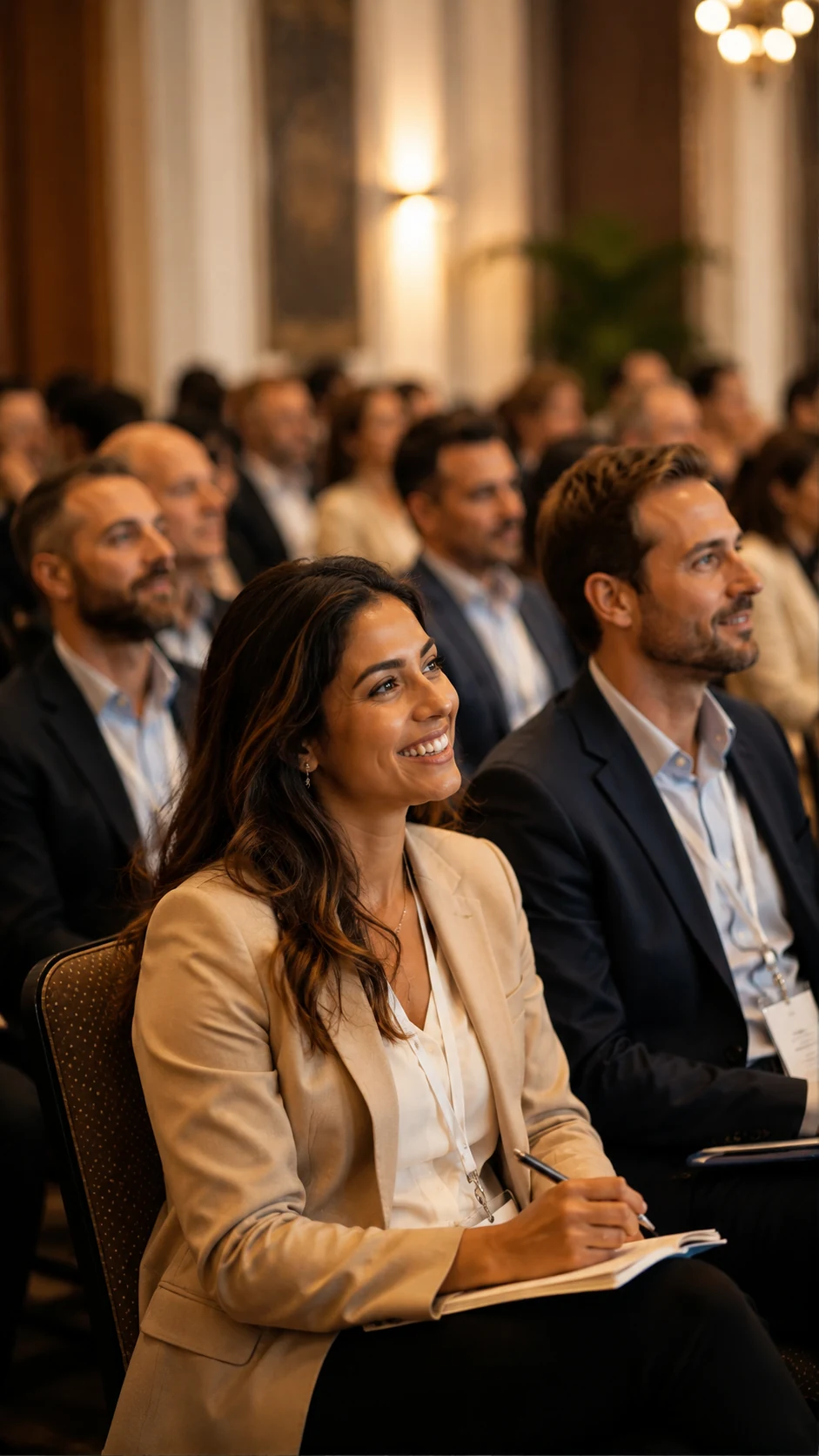
Weddings, birthday parties, company events, conferences, venues. Different rooms, different guests, one idea: give people something to join instead of something to watch.

▦ No app to download▯ Join in seconds◎ Works on any phone
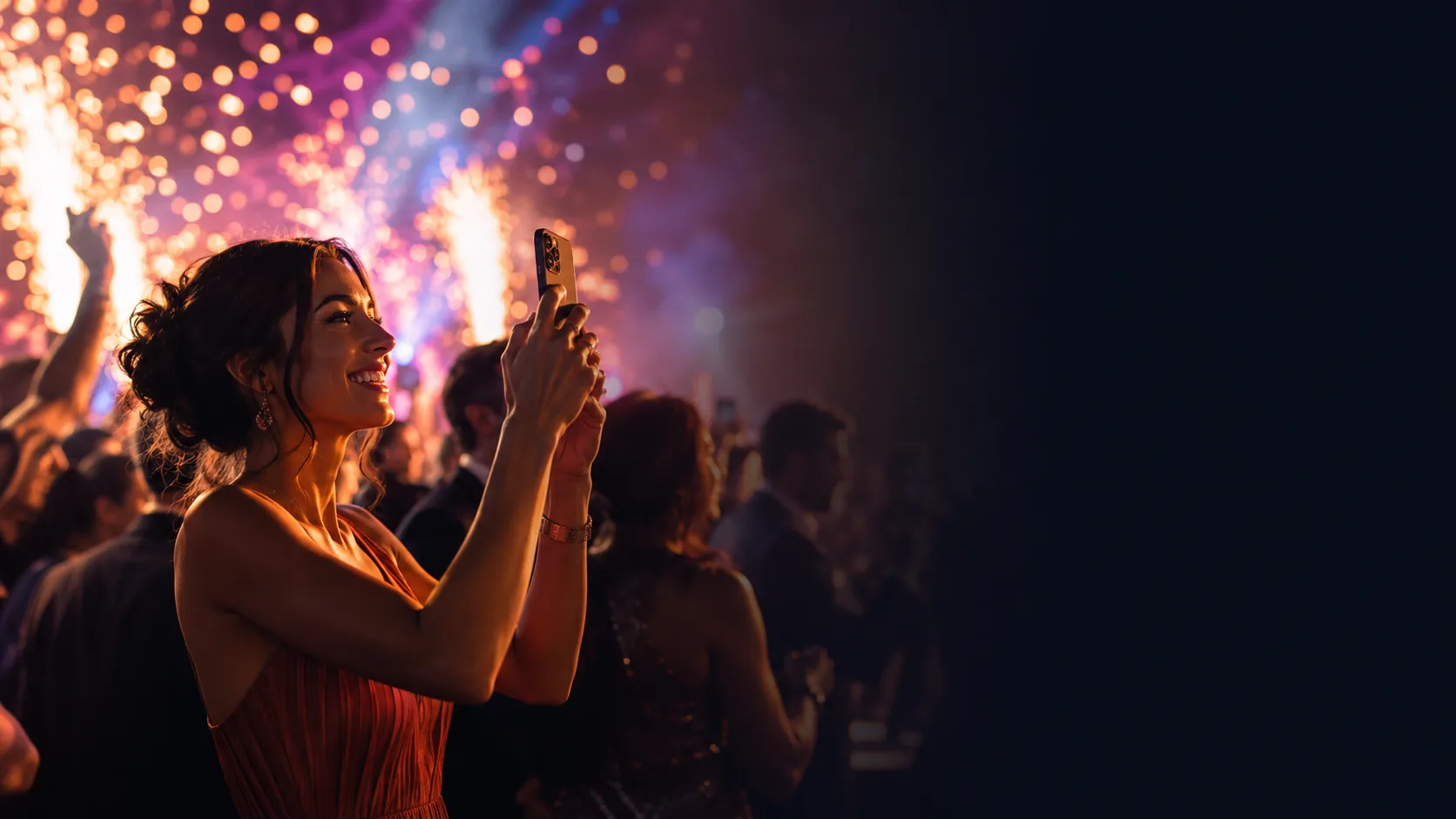
Guests joining a Festery experience from their phones at an event
Guests already have the device. Festery gives them a reason to use it together.
The problem with most event tech

Guests don't want another app.
They want something to join.

Almost every event has the same quiet failure mode. The room is full, the food is good, the speakers are fine — and yet a large share of the people in it spend the evening as an audience. They watch, they clap, they check their phone, they talk to the three people they already knew when they arrived. Nothing goes wrong, exactly. It just never quite catches fire.

The usual fix is to add more programme: another speech, another act, another activity that people sit through. That works for the front three rows and loses everyone else. The alternative fix — an event app — asks guests to install something before the event they haven't decided to care about yet, and adoption rates show what people think of that trade.

Festery takes the third route. Each experience is a web page behind a QR code. A guest points a camera, taps once and is in. From that second they are contributing rather than watching: adding a photo, answering a question, voting for a song, guessing which colleague has been to twenty-six countries. The technology stops being the point almost immediately, which is exactly the intention.

01

Participation beats programming

A guest who has contributed something to the evening remembers it differently from one who was shown a good evening. Contribution is what turns an attendee into a participant.

02

Zero friction or it doesn't happen

Every extra step between the QR code and the first tap loses people. No install, no account, no instructions longer than a sentence — that is the whole design brief.

03

It has to work for the whole room

Not just the twenty-five-year-olds. If your grandmother, your CFO and your least tech-confident attendee can all take part, you have an event experience. If not, you have a gimmick for a subset.

The four experiences

Four ways to make more happen.

Each one solves a different moment. Most events use one or two; larger events combine them across the day.

MemWall

memwall.app

The shared camera roll

Every guest is already photographing your event on a device better than the one you hired ten years ago. MemWall collects all of it into one live wall — visible on a big screen during the event, downloadable in full afterwards.

  • QR-first photo sharing with nothing to install
  • A live wall that turns a blank screen into the event's heartbeat
  • Download the whole event once everyone has gone home
12Quiz

12quiz.app

The friendly competition

A quiz gives a room a shared task and an excuse to talk to the person next to them. 12Quiz runs on everyone's phone with a live leaderboard, so it works for a table of eight or a hall of eight hundred.

  • Fast mobile joining — no codes to type out loud twice
  • A live leaderboard that does the drama for you
  • Works solo or in teams, for parties and for business events

JukeFloor

jukefloor.com

The room's own playlist

Music is the fastest way to lose or win a crowd, and the requests are coming whether you invite them or not. JukeFloor moves them off the DJ's shoulder and into a structure the DJ still controls.

  • Crowd song requests without the queue at the booth
  • Voting that surfaces what the room wants, without chaos
  • Designed around the DJ rather than replacing them

WhoGame

whogame.app

The icebreaker that isn't awkward

The hardest problem at any mixed event is the first twenty minutes. WhoGame makes the people in the room the subject of the game, so strangers end up with something to talk about that isn't the weather.

  • People-powered questions about the actual room
  • Instant participation from a QR code on the table
  • The icebreaker that works without a facilitator
Fit at a glance

Which experience for which event?

A starting point, not a rule. The right answer usually depends on the moment in the schedule more than the category of event.

Event typeMemWall12QuizJukeFloorWhoGame
WeddingsEssentialEvery guest's photos, one wallGreatHow well do you know the couple?GreatRequests without booth queuesUsefulTwo families who've never met
Birthdays & celebrationsGreatThrowbacks plus tonightEssentialA quiz about the guest of honourGreatFour generations, one playlistGreatFamily and friends mixed
Company eventsGreatInternal comms gold afterwardsEssentialTeams against teamsUsefulOnce the formal part endsEssentialDepartments who never speak
ConferencesGreatAttendee-made event contentEssentialSession recaps and booth drawsUsefulGala dinner and after-partyGreatNetworking that starts itself
Venues & hospitalityGreatGuest photos you can actually useEssentialQuiz night without the kitEssentialRequests, handledUsefulGroups and private parties
How it works

Four steps. That's the whole thing.

01

Pick the moment, not the product

Decide where in your run of show a lull appears — the gap before dinner, the dead half hour after the last session — and choose the experience that fills it.

02

Put the QR code where people already look

Table cards, the back of the name badge, the menu, the screen between speakers, the bar. If people have to hunt for it, they won't.

03

Say it out loud once

One sentence from whoever holds the microphone is worth more than every printed instruction combined. Announce it, then let it run.

The fourth step is the one you don't do: nothing. Once a few people join, the experience carries itself — a wall filling up with photos, a leaderboard shifting, a song climbing the queue. Participation is contagious in a way that instructions never are.

Common questions

Before you plan anything.

Do guests need to download an app to take part?

No. Every Festery experience is built around a link or a QR code, so guests join straight from the browser on the phone already in their pocket. There is nothing to install, no account to create for guests, and nothing for your venue's Wi-Fi to struggle with beyond a normal web page.

Can we run more than one experience at the same event?

Yes, and most larger events do. A wedding might run MemWall all day and bring in JukeFloor once the band finishes. A conference might use 12Quiz in breakouts and WhoGame at the welcome reception. The experiences are separate products, so you can pick only the ones that suit the moment.

How long does it take to set up?

The setup work is mostly deciding what you want to happen and when. Creating the experience and generating the QR code takes minutes; the real planning is where the QR codes go, who announces it, and which moment in the run of show it belongs to. Our scenario pages walk through that timing for each type of event.

What does it cost?

Festery is packaged for single private events, multi-experience bundles, and business or agency use across recurring events. See pricing for the current package structure, or get in touch to talk through a specific event.

Will older or less tech-confident guests manage it?

That is the case the experiences are designed around. Scanning a QR code and tapping a large button is close to the simplest interaction a phone offers — no login, no menu to learn, no app store detour. In practice the hardest part is usually just telling people it exists, which is why a short announcement matters more than any instructions.

Can it be branded for a company or venue?

Branding and multi-event use are part of the business and agency packages. See Festery for Business for how that works for companies, venues and agencies running events regularly rather than once.

Talk to Festery

Tell us about your event.

Whatever kind of room you're filling, we'll tell you honestly which experiences fit and which ones don't.

Talk to Festery →